
Technical Guides
Industrial Display Solutions
Engineering guides from AplusLCD — learn how to choose the right high brightness monitor, sealed panel mount display, or custom OEM/ODM LCD solution for your application.
- 5" to 86"
- Display sizes
- 250-4000 nits
- Brightness range
- 24–48 hours
- Engineering response
- No MOQ
- 1 pc samples available
Explore Our Engineering Guides
Each guide explains the technology, selection criteria and best-fit applications — written by AplusLCD engineers.
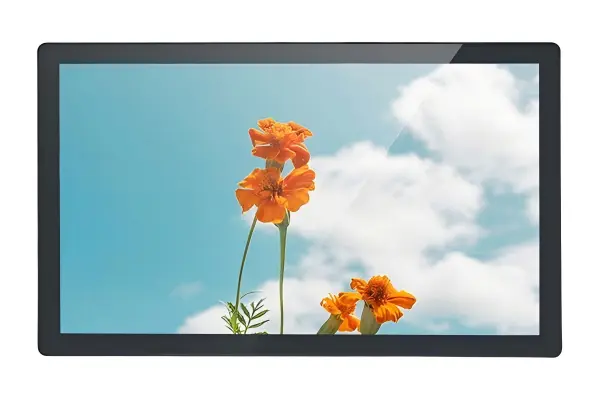 Sunlight Readable
 High Brightness Monitor Guide
800-4000 nits sunlight readable technology, optical bonding, and Hi-Tni panels. How to specify brightness, coating and thermal management for outdoor displays.
Read Guide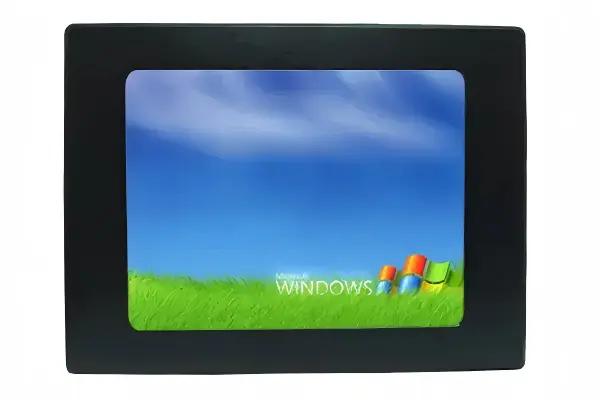 IP65 Sealed
 Panel Mount Monitor Guide
IP65/IP67 sealed panel mount LCD monitors: aluminum vs 316L stainless steel bezels, PCAP touch through glass, NEMA 4X and cutout installation.
Read Guide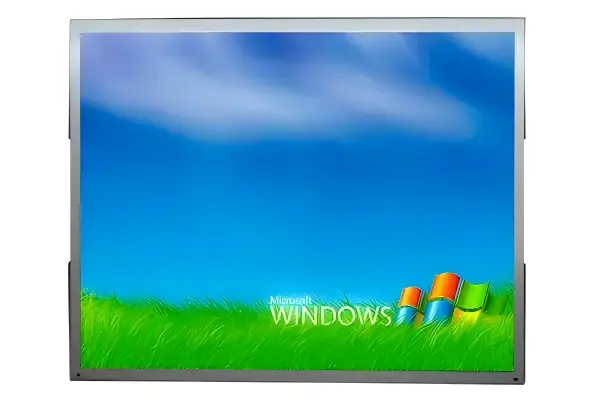 Open Frame
 Open Frame Monitor Guide
LH vs LD series comparison 6.5"-19": open frame integration for kiosks, gaming, ATM and OEM. Brightness up to 1500 nits, VGA/DVI/HDMI, VESA mounting, optional PCAP touch.
Read Guide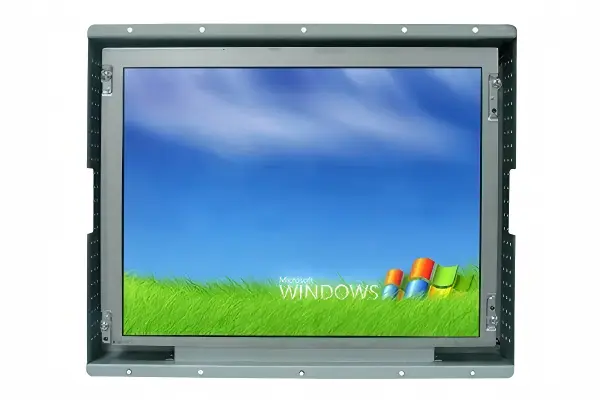 Industrial Grade
 Industrial LCD Monitor Guide
Complete selection guide: open frame, panel mount, rack mount, high brightness, touchscreen and digital signage types from 5" to 86".
Read Guide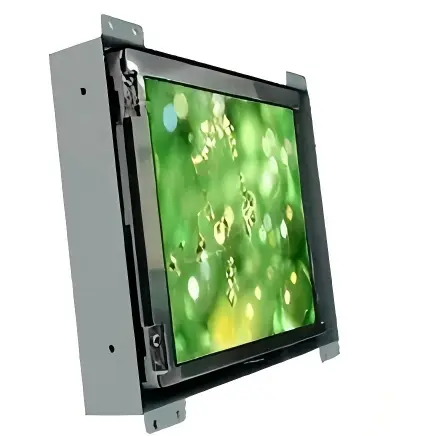 OEM / ODM
 Custom OEM/ODM Display Guide
5" to 86" custom sizes, 250-4000 nits, touch & interface options, CE/FCC/RoHS, no MOQ. Factory-direct custom manufacturing from Shenzhen.
Read GuideHow to Choose the Right Industrial LCD Display Solution
Choosing an industrial display is easier when you work backwards from the installation rather than from a part number. Work through the four questions in order, then check the brightness bands and selection table alongside.
Environment comes next: dust, washdown, humidity and hose-directed cleaning rule out a standard monitor chassis, so IP65/IP67 sealing, NEMA 4X compliance and 316L stainless steel bezels decide whether a unit survives a food plant, chemical area or offshore platform. Integration follows: when the display has to disappear inside your own kiosk, ATM fascia, gaming cabinet or machine panel, an open frame monitor with the right cutout, VESA pattern and signal set is usually cheaper and cleaner than sealing a cased monitor. Any panel facing a window, canopy or open sky needs a sunlight-readable screen with optical bonding and anti-glare or anti-reflective cover glass — match it to the brightness band that fits the mounting position, where a super bright LCD monitor in the 2000-4000 nit tier is usually the right specification for exposed facades, forecourts and solar sites.
Then keep the rest of the fleet standard. Factory floors and control rooms rarely need anything exotic — a standard industrial LCD monitor at IP20 with VGA, DVI, HDMI, RS-232 and wide-input DC power covers most retrofits, and buying several sizes from one qualified supplier keeps spares and service consistent. If none of those routes fits — an unusual size, a curved cutout, a 4000-nit requirement or a branded bezel — start from the custom OEM/ODM display guide instead, where one drawing defines the panel, touch, glass and connector set. Whichever route you take, the four guides in the table explain the numbers to confirm before you request a quote.
Decide in this order
- 1 Light How much lands on the screen?
- 2 Environment What can reach the electronics?
- 3 Mounting How does it fit the enclosure?
- 4 Signals Which interface and power are on site?
Brightness bands by installation position
cd/m² = nits| Installation position | Brightness |
|---|---|
| Indoor control room, normal room lighting | 250-500 nits |
| Shaded outdoor position, under a canopy | 800-1500 cd/m² |
| Semi-outdoor kiosk, indirect sunlight | 1500-2500 cd/m² |
| Exposed facade, forecourt or solar site | 2500-4000 cd/m² |
Specified for the installation, not the part number — brightness, sealing and mounting are confirmed before a quote.
Match the installation to the right guide
4 selection paths-
Installation condition
Bright outdoor or sun-facing cabinets
800-4000 nits sunlight-readable panels, optical bonding and Hi-Tni options for solar sites, forecourts and transport hubs, rated -30°C to 80°C.
Recommended guide
High Brightness Monitor Guide -
Installation condition
Wet, dusty or washdown areas
IP65/IP67 sealed aluminum or 316L stainless steel bezels, NEMA 4X compliance and PCAP touch through glass with cutout installation.
Recommended guide
Panel Mount Monitor Guide -
Installation condition
Building the display into your own enclosure
LH vs LD series comparison, 6.5"-19", up to 1500 nits, VGA/DVI/HDMI and VESA mounting for kiosk, gaming, ATM and OEM integration.
Recommended guide
Open Frame Monitor Guide -
Installation condition
Standard factory floor or control room retrofits
One selection path across open frame, panel mount, rack mount, touchscreen and digital signage types from 5" to 86".
Recommended guide
Industrial LCD Monitor Guide
Not sure which solution fits?
Our engineers evaluate brightness, environment, touch and interface requirements and return within 24–48 hours.
Talk to an Engineer