
Industrial Display Blog
Technical guides, product specifications, and application notes for industrial LCD display integration — written by the AplusLCD engineering team.
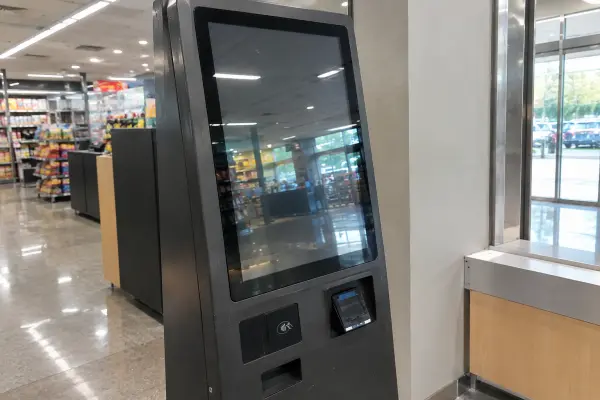
Kiosk Touch Screen Monitor Buying Guide: 5 Checks
Start from the kiosk enclosure, not the screen size — how to match cutout, touch technology, brightness, and interfaces to real deployment conditions.
Read Article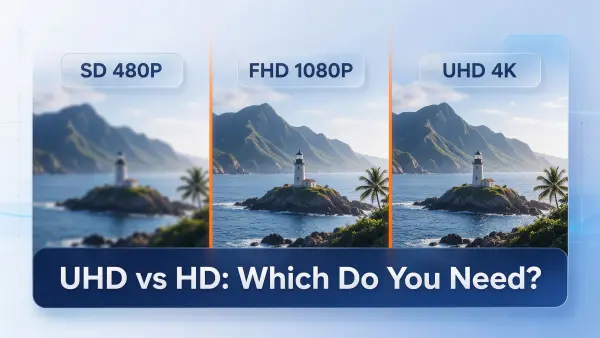
UHD vs HD: What the Difference Actually Costs on a Commercial Display
UHD means 3840×2160 — four times the pixels of 1080p and nine times 720p. Here is where those extra pixels actually show up on real signage sizes, what they cost in bandwidth on our own encode settings, and which resolution we quote for which job.
Read Article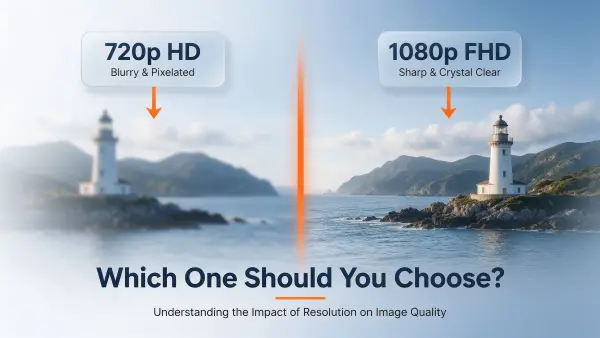
What Is 720p Resolution? (1280×720, HD Explained)
720p is 1280×720 and it genuinely meets the HD standard, but it is the entry tier. Here is how we judge it against 1080p using pixel pitch, viewing distance and real content bandwidth figures from our own signage projects.
Read Article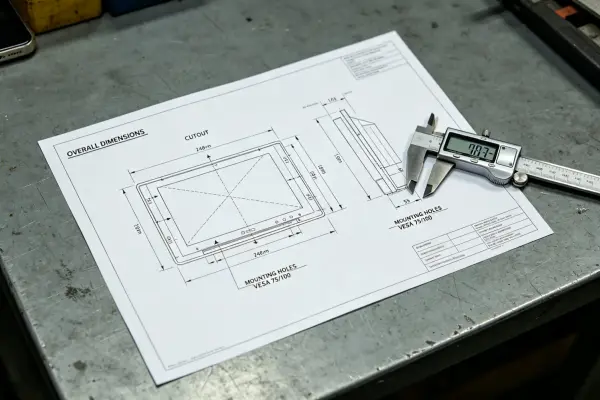
How to Read an Industrial Monitor Datasheet: 4 Fit and Mounting Checks
A datasheet can match on size and resolution, then fail at the enclosure. Read the mechanical drawing, cutout, mounting pattern, and cable space first.
Read Article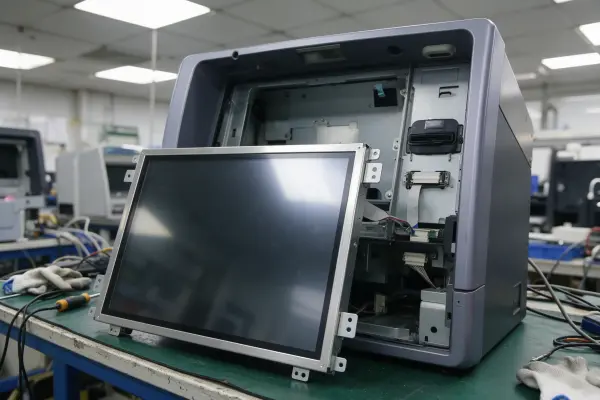
ATM Monitor Replacement Guide: 8 Details to Verify Before Ordering
An ATM display failure is urgent, but the wrong replacement costs more than the delay. What to document, compare, and validate before ordering.
Read Article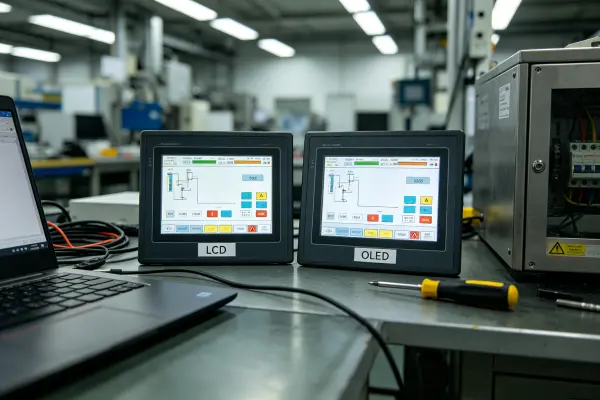
LCD vs OLED for Industrial Applications: 5 Selection Factors
Industrial OEM teams choose between LCD and OLED on content persistence, runtime, and service access — a practical selection framework for engineers.
Read Article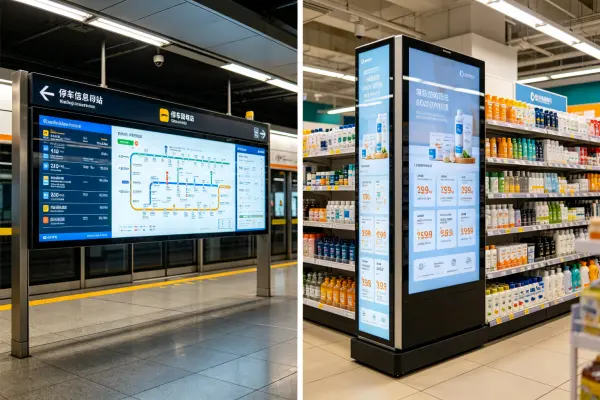
Custom OEM Stretched LCD Displays: Integration & Sample Guide
Plan custom OEM stretched LCD displays around enclosure fit, content layout, host interfaces, and sample validation, not just aspect ratio.
Read Article
Shelf Edge Digital Signage Guide: How Retailers Use Bar LCD Displays
How retailers use bar LCD shelf edge displays to show pricing, promotions, and product details, and why installation planning decides rollout success.
Read Article
Stretched Bar LCD Display: The Complete Buyer's Guide
Compare standard and custom stretched bar LCD displays with a site-first checklist covering installation space, readability requirements, interfaces, and RFQ details.
Read Article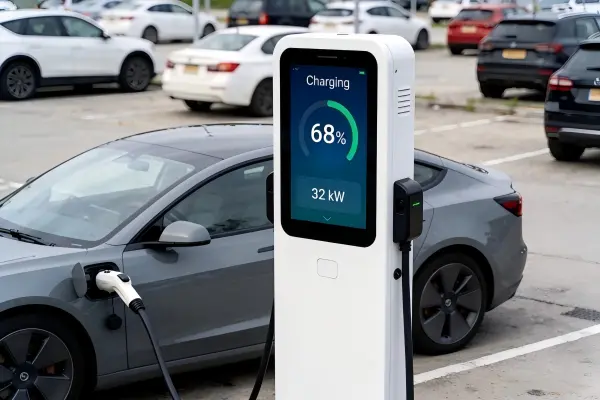
Industrial Displays for EV Charging Stations: 7 Site Questions Before Specifying Nits
Selecting industrial displays for EV charging stations starts with the site: sun direction, mounting angle, thermal load, and duty cycle matter before brightness numbers do.
Read ArticleNeed Custom Solutions?
Our technical team provides professional guidance for your industrial display projects.
Contact ExpertProduct Series
Browse All Articles
All 35 articles — no JavaScript required.
All 8
- How to Read an Industrial Monitor Datasheet: 4 Fit and Mounting Checks
- LCD vs OLED for Industrial Applications: 5 Selection Factors
- Open Frame vs Panel Mount vs Rack Mount: Industrial Display Mounting Guide
- What Are Industrial LCD Monitors Used For?
- How to Choose the Right Industrial Display for Your Application
- Disadvantages of LCD Screens: 6 Limits & How to Overcome Them
- What is Industrial LCD? A Complete Guide
- Industrial LCD Selection Guide — Parameters Engineers Actually Check First
Digital Signage Display 3
High Brightness Monitor 3
Medical Display 1
Open Frame Monitor 6
- What Is an Open Frame Monitor? Complete Guide
- How to Fix Touch Drift and Malfunctions on Open Frame Monitors for High-Speed AI Hardware?
- Custom Open Frame Touch Monitors for AI Hardware OEM & ODM Projects — What Integration Risks Should You Solve First?
- Open Frame Monitor Design: Components, Integration and Use
- Open Frame vs Panel Mount Monitor: Which to Choose?
- Industrial Display vs Alternative Solution: Which is Better for Your Application?